
Mileage Tracker App for Uber Drivers
Make every Uber ride count! Track mileage automatically, snap photos of receipts and download detailed reports to claim the tax relief you're due.

Meet TripLog, the #1 mileage app for Uber and Uber Eats
We know how important it is for Uber drivers to maximise their earnings. With automatic mileage tracking and powerful expense management tools, TripLog lets you focus on your work, not your mileage.
Uber drivers never miss a trip again
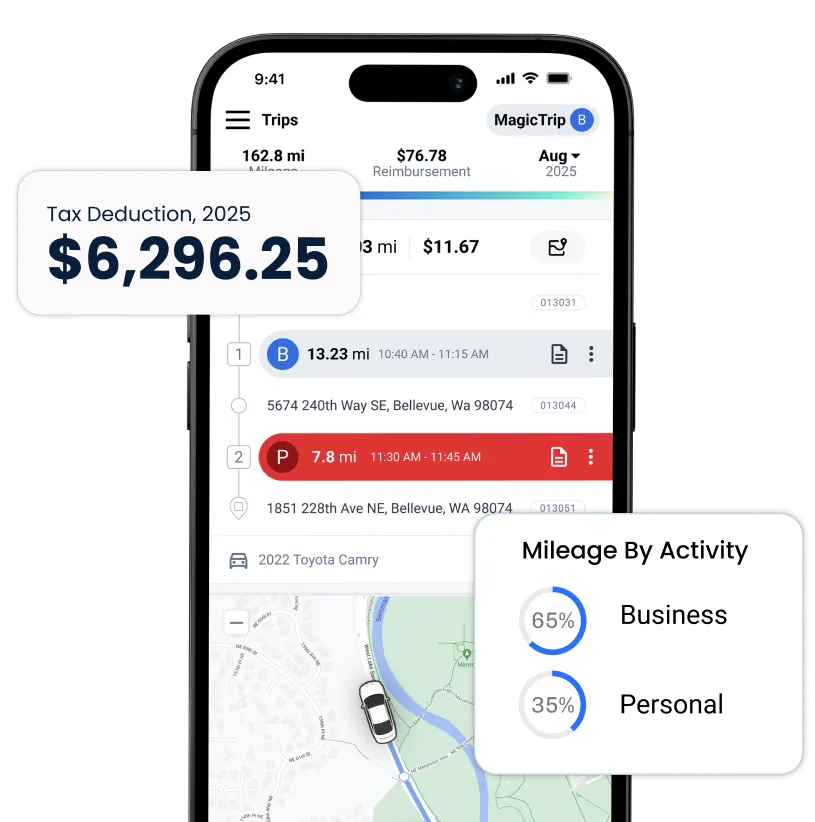
With six different mileage tracking options, TripLog gives Uber drivers the flexibility they need. Simply start driving, and TripLog will automatically start tracking your mileage!

Accurate mileage tracking is made easy with the TripLog app, designed to ensure that you never miss a mile
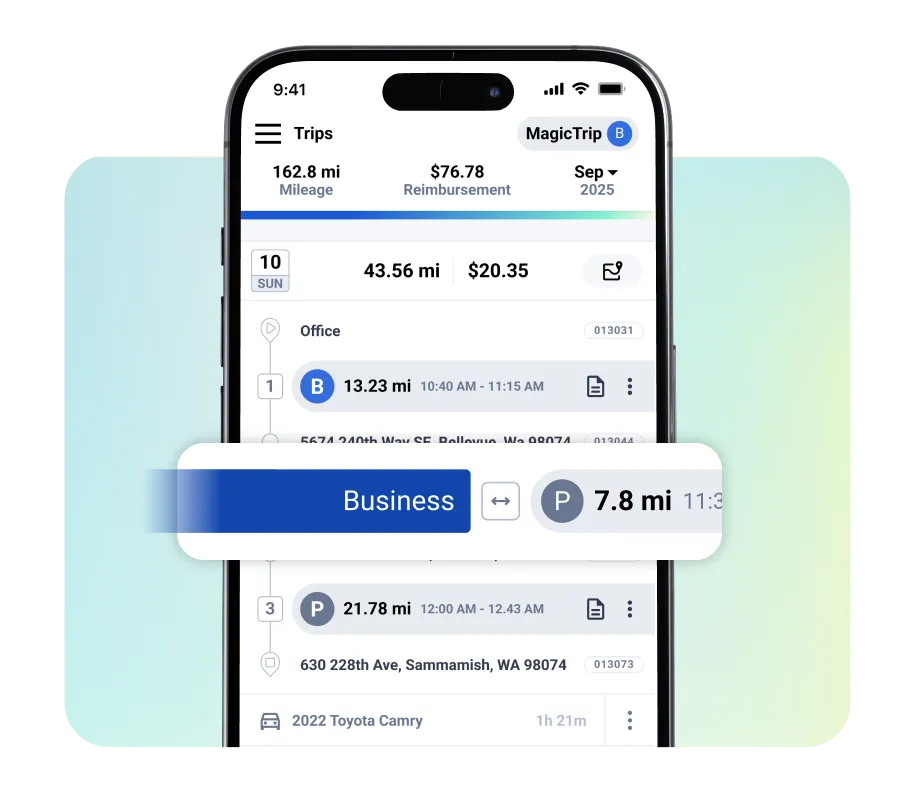
Easily classify your Uber drives as business or private
TripLog makes classifying your Uber trips as business or private a breeze – all it takes is one swipe.
You can also set working hours to automatically categorise your trips based on your working week or hours!
Detailed mileage reports for Uber drivers
When your tax return is due, TripLog gives you the detailed mileage records you need to claim tax relief. You can send your reports to your email or your accountant straight from the TripLog app!

Uber mileage tracker feature comparison table
Simply put, no other mileage tracker gives Uber drivers the features they want and the customisation they need.
Uber mileage tracker FAQ
How does TripLog work with Uber driving?
TripLog seamlessly integrates with your Uber driving schedule. Once you start your trip on Uber, TripLog automatically begins tracking your mileage, ensuring every mile is accounted for accurately.
Is TripLog compatible with my smartphone?
TripLog is designed for both Android and iOS, offering full functionality on a wide range of devices.
Can I track mileage for more than one ride-hailing or delivery service?
Absolutely! TripLog allows you to track mileage for various services, making it the perfect companion for multi-platform drivers.
What if I forget to start a trip?
TripLog’s auto-start features ensure that your trips are captured. You can customise auto-start triggers to match your driving habits. If a trip is missed for whatever reason, you can add it manually as well.
How does TripLog help with tax relief?
TripLog logs every business journey with its date, purpose and distance, so you have the records you need to claim tax relief on your mileage. The app produces detailed reports you can use for your tax return.
How do I sign up for TripLog?
Signing up is easy! Simply download the TripLog app, create an account, and start driving! You can also create an account on the web.
What kind of support does TripLog offer?
We offer comprehensive support through our Help Centre and email support. You can contact our fast and friendly support team at support@triplog.net for any questions you may have.