

Simple CPM reimbursement management
Automatically track business mileage, use the IRS rate or apply custom rates, and send approved reports without spreadsheets or manual logs.
Automatically pay employees for the business miles they drive.
Whether you use the IRS business mileage rate or set your own, TripLog makes mileage reimbursement easier to manage with automatic tracking, customizable reimbursement rules, streamlined approvals, and detailed reporting.
TripLog handles the hard parts and ongoing management so your team can focus on driving and getting reimbursed.
Looking for an even more accurate reimbursement method? Explore FAVR →
How CPM Works
Simple, usage-based reimbursement
Business miles/yr
mi
Your mileage rate
$
Employee reimbursement
$950.00
From trip to reimbursement
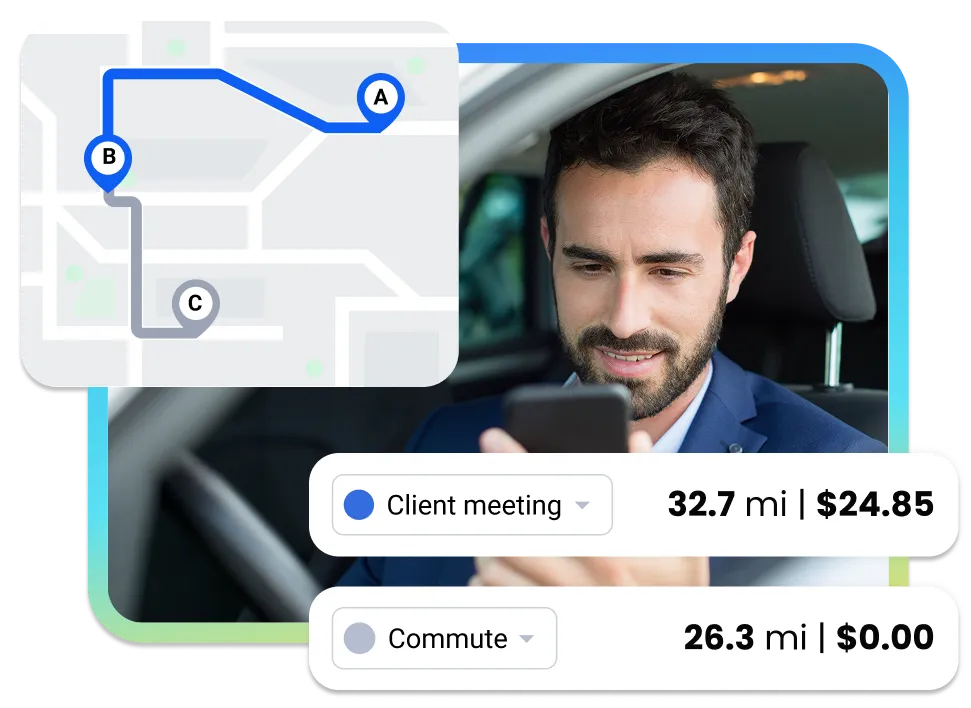
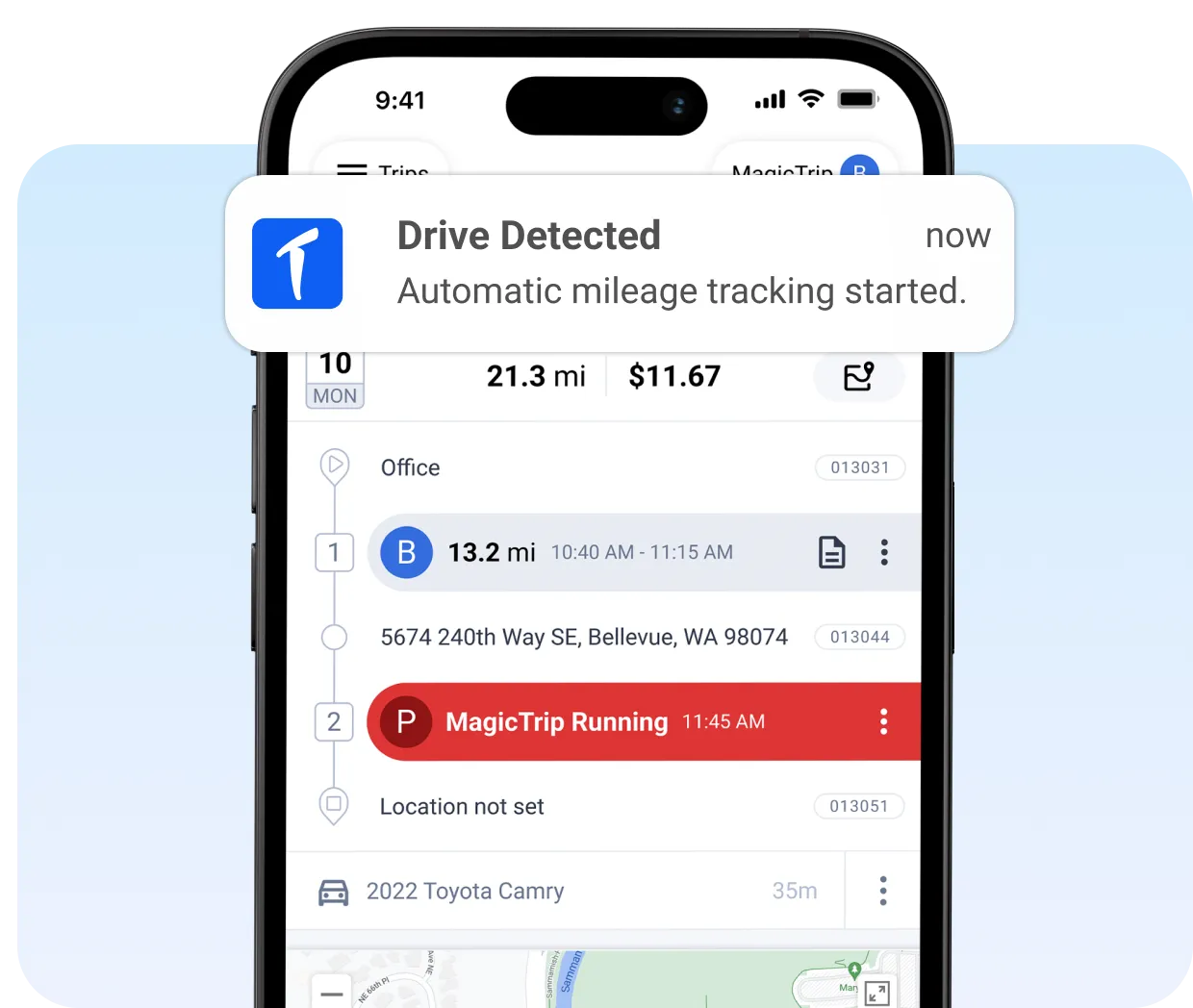
Capture every business mile automatically
TripLog detects when employees start and stop driving and records their mileage through our easy-to-use mobile app.
Drivers can quickly review, classify, and submit trips and expenses without manually logging every drive or rebuilding their mileage records at the end of the month.
From trip to reimbursement
Apply your mileage policies with ease
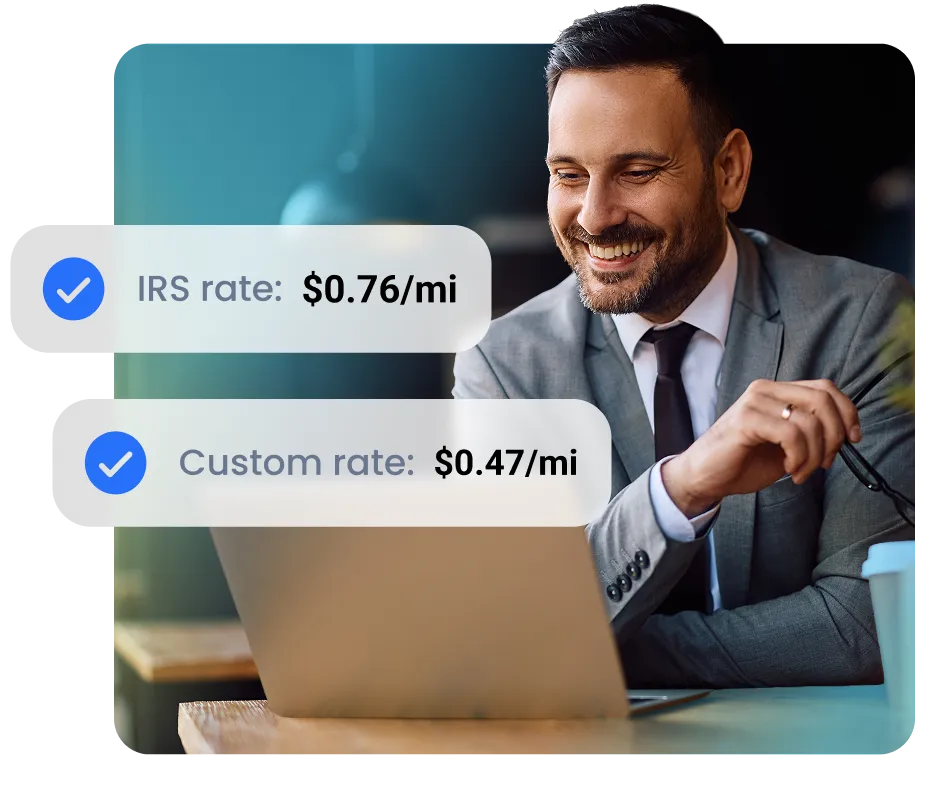
Use the current IRS mileage rate or set custom rates, including individual overrides.
You can also add commute deductions and other company rules so every reimbursement is calculated according to your policy.
From trip to reimbursement
Catch questionable mileage before you pay it
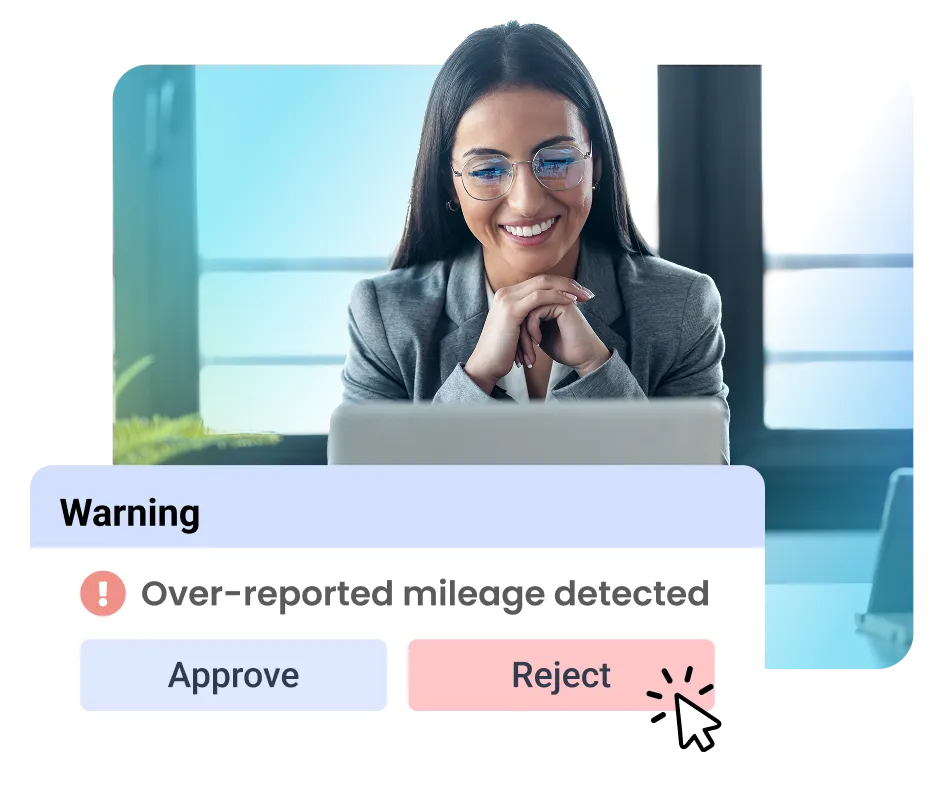
See all of your team’s trips in one dashboard and focus your attention where it’s needed.
TripLog can flag over-reported mileage and other out-of-policy trips for you to review, helping save companies thousands annually.

From trip to reimbursement
Keep approvals moving without chasing paperwork
Managers can review submitted trips, approve or reject records, leave notes, and return entries that need changes.
Set up multi-level approval hierarchies, then build detailed reports using filters such as employee, department, date, tags, and approval status.
From trip to reimbursement
Send approved reimbursements where they need to go
Connect TripLog with tools and systems like ADP, SAP Concur, and QuickBooks, or pay employees directly through TripLog.
We make it easy to move approved mileage forward quickly without re-entering all of your reimbursement data manually.
Easily customize your policies
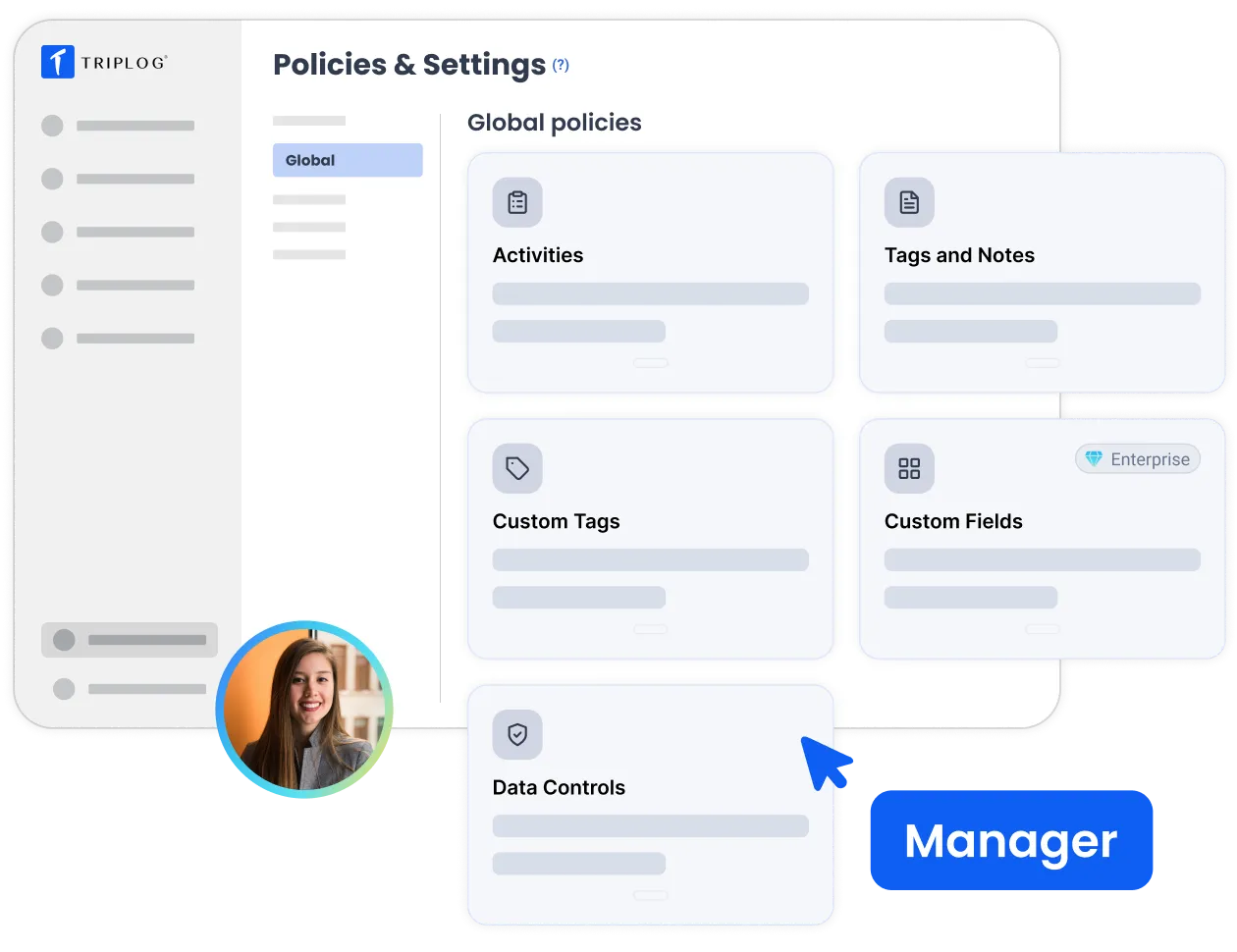
TripLog gives you control over how your CPM program works, without making employees learn a complicated process.
Set different programs by team
Use separate rates, rules, and approval paths for different roles and teams.
Keep commute rules consistent
Automatically deduct commute mileage based on your defined policies.
Give managers the right level of oversight
Build simple approval workflows and flag reports that need a closer look.
Multiple programs, one platform
FAVR or CPM? Most companies need both.
Most companies don't have one type of driver. Some employees drive occasionally, while others cover thousands of miles every month. Some teams use mid-sized sedans, while others need heavy-duty trucks.
TripLog helps you group drivers by mileage, role, location, and vehicle type, then assign the reimbursement program that fits each group best.
Learn more about FAVR →
Program 1: CPM



Avg. 3,100 mi/yr
Program vehicle: Not applicable
Program 2: FAVR



Avg. 15,000 mi/yr
Program vehicle: Midsize sedan
Program 3: FAVR



Avg. 25,000 mi/yr
Program vehicle: Fullsize truck
CPM FAQ
What does CPM actually stand for?
CPM stands for cents per mile. Employees are reimbursed a set amount for every approved business mile they drive. For example, 1,000 miles at a $0.76 mileage rate would result in a $700 reimbursement.
Who is eligible to run a CPM program?
Almost any business can use CPM to reimburse employees who drive their personal vehicles for work. Unlike FAVR, CPM doesn’t have minimum driver or annual mileage requirements. To keep reimbursements tax-free, businesses must properly document business mileage. Using a mileage tracker app like TripLog makes the compliance practically automatic!
Do we have to use the IRS standard mileage rate?
No. You can ue the current IRS mileage rate or set a custom rate that fits your company’s policy. TripLog also supports different rates for individual employees when needed.
How long does implementation take?
This can depend on the size and complexity of your program. Smaller teams with simpler needs can be set up quickly, often within an hour. Larger teams may need additional time to set up custom policies, approval hierarchies, integrations, and employee onboarding.
How is mileage tracked?
TripLog automatically tracks business mileage through the employee’s phone using GPS. Trips start when their vehicle begins to move and stops tracking when they stop driving. Drivers can then classify those trips as business or personal manually, or set up auto-classification rules within the app. Admins can set up company-wide rules and manage mileage from the TripLog web app.
Do you only support US currencies?
TripLog supports international currencies, units of measure, and time zones, making it possible to manage mileage programs for teams outside of the United States.